Vaults withdrawals are now enabledwithdraw now




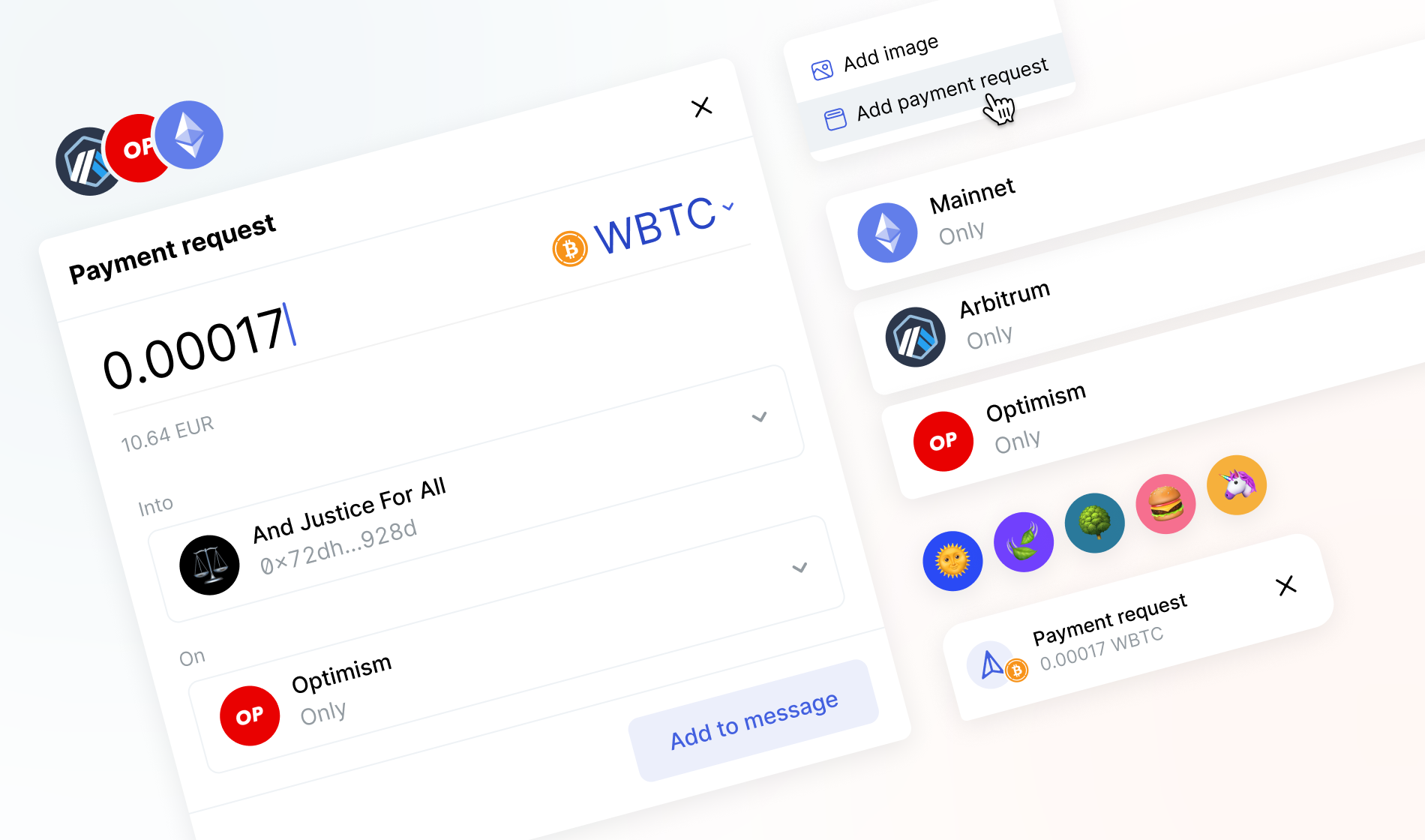
Currently, you can only request a crypto payment using the Status desktop app.
In the Status app, you can request a crypto payment from someone through direct messages, group chats or community channels. Use this feature to receive payments for your work, collect contributions for community projects or get paid for goods and services.
The person receiving your request should only click on it to complete the payment.
- You can request a crypto payment from contacts and non-contacts.
- You can only request payments in crypto assets (virtual coins), not collectibles (NFTs).
- In the Status app, you can request payments in ERC-20 assets using Ethereum or any of the Layer-2 networks supported by Status.
- When your payment request is completed, you receive a notification of the incoming payment to your Status Wallet.
- 1From the navigation sidebar, click the community where you want to request a payment or clickMessagesto request a payment in a group chat or direct message.
- 2In the direct message, group chat or community channel, clickPlusnext to the message field.
- 3ClickAdd payment request.
- 4In theAdd payment requestwindow, choose the asset, the amount, the Status Wallet account to receive the payment and the network.
- 5ClickAdd to message.
To delete a payment request, you need to delete the entire message containing it. You can't delete only the payment request.
Updated byJonathan Rainvilleon Jun 30, 2026
J
Was this article helpful?
Every feedback takes us closer to helping you!
On this page